|
2020-03-31 09:13 developer |
|
|
|
Hi Jason, Please check if this issue remains after changing another cable, HDMI port, resolution...etc. It is not easy to know where the problem is by a picture. Thanks ! |
|
|
hi kerwin you can check in your side via VPN. Although you don't see live channel, but you see UI banner. is it right? if it possible to do in your side, you also ask it to Jingyu. this issue come from LG electronics. so we can't do your suggest. I think LG guy have many box in LG Develop room. so he compared to other SK STB box, UI is same on SKB STB box. it guess it is related to SOC part Thanks. |
|
|
Hi Jason, Could explain more detail about this issue ? I don't know where the problem is in the picture. We do have a LG TV (OLED55B7T-D) and can do a quick test. But we need to know where the problem is. Thanks ! |
|
|
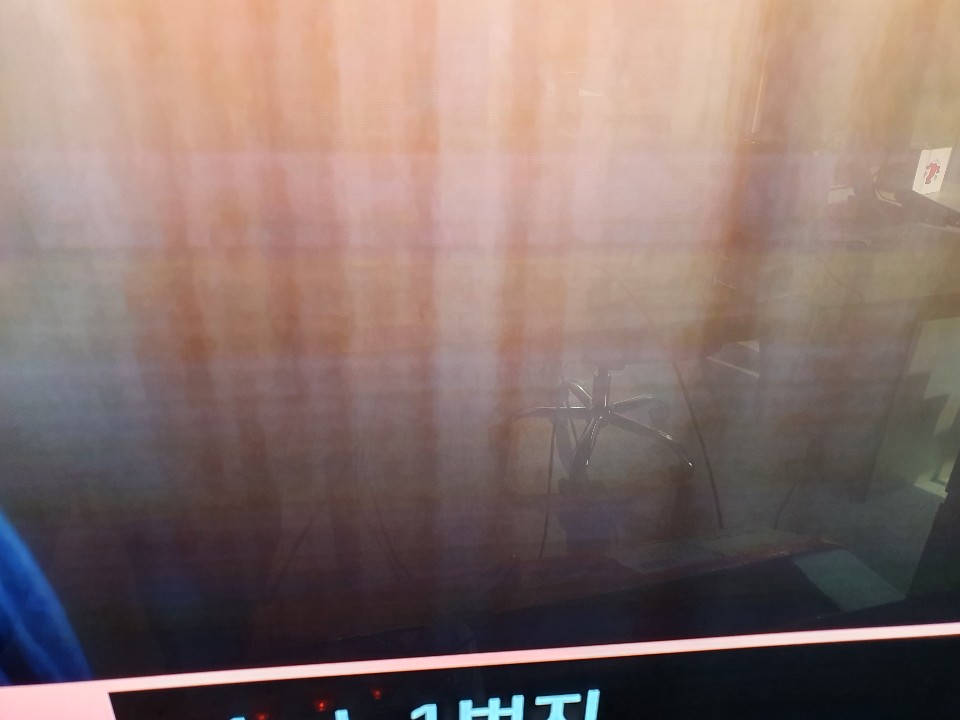
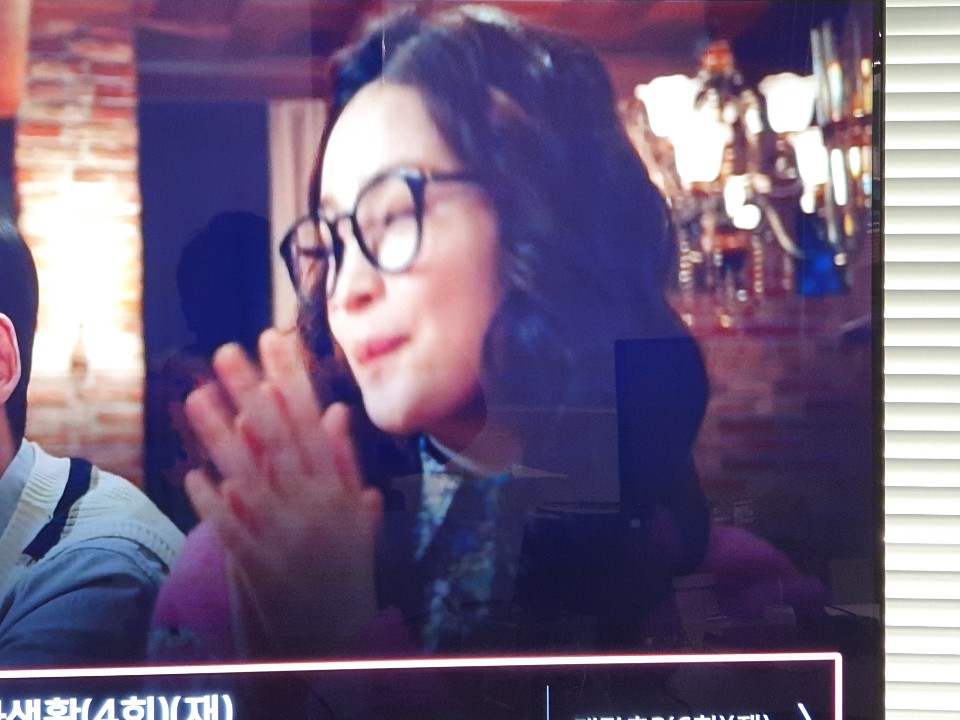
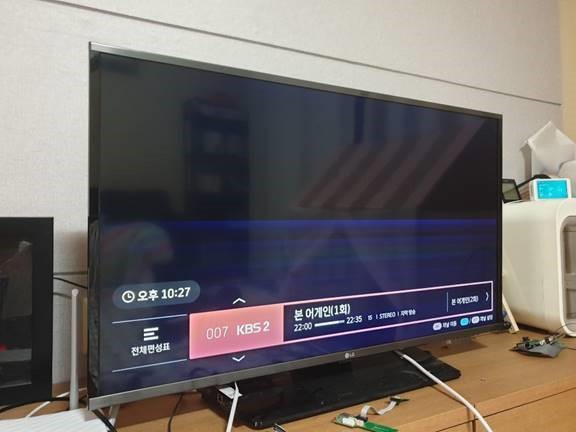
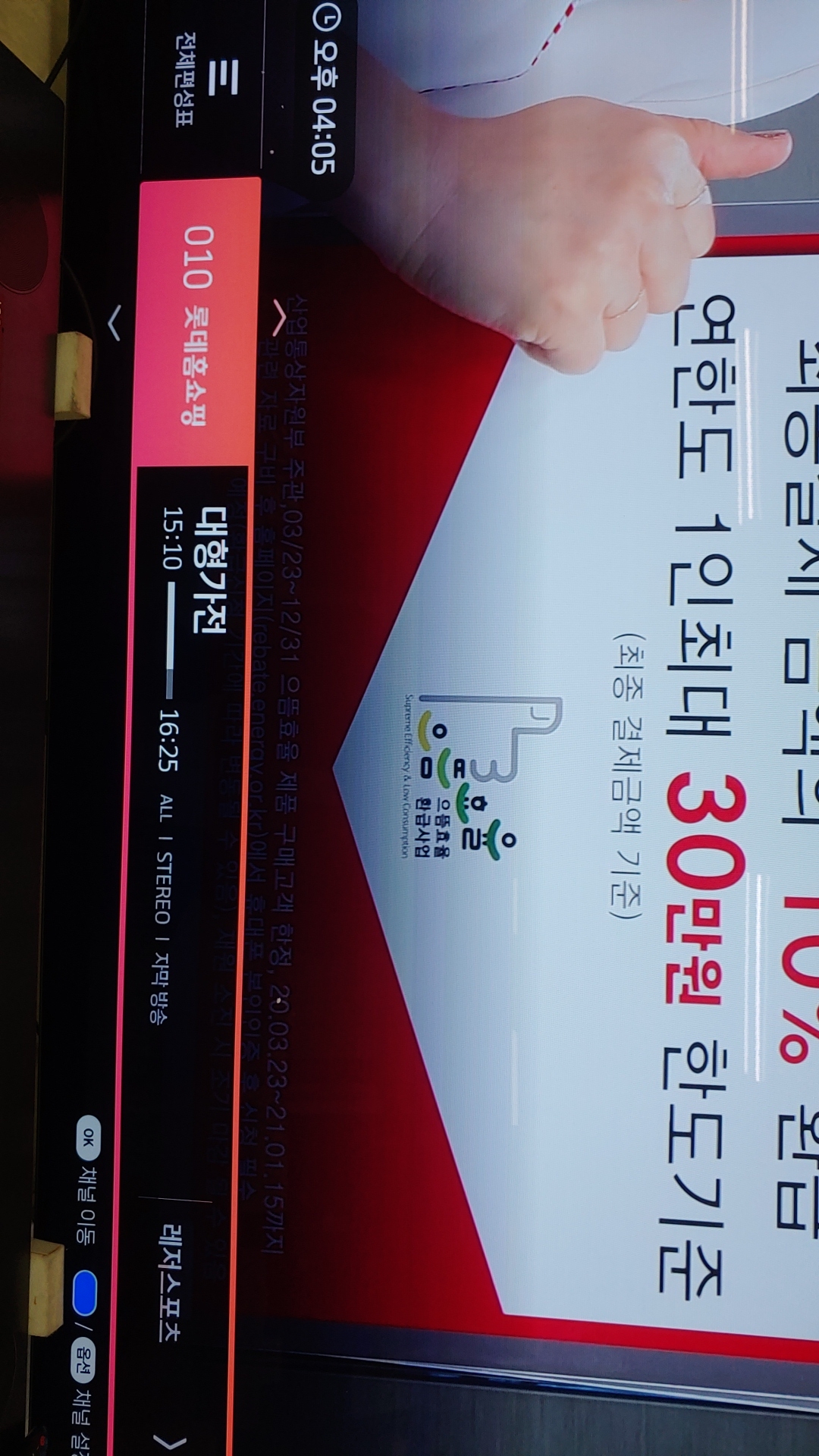
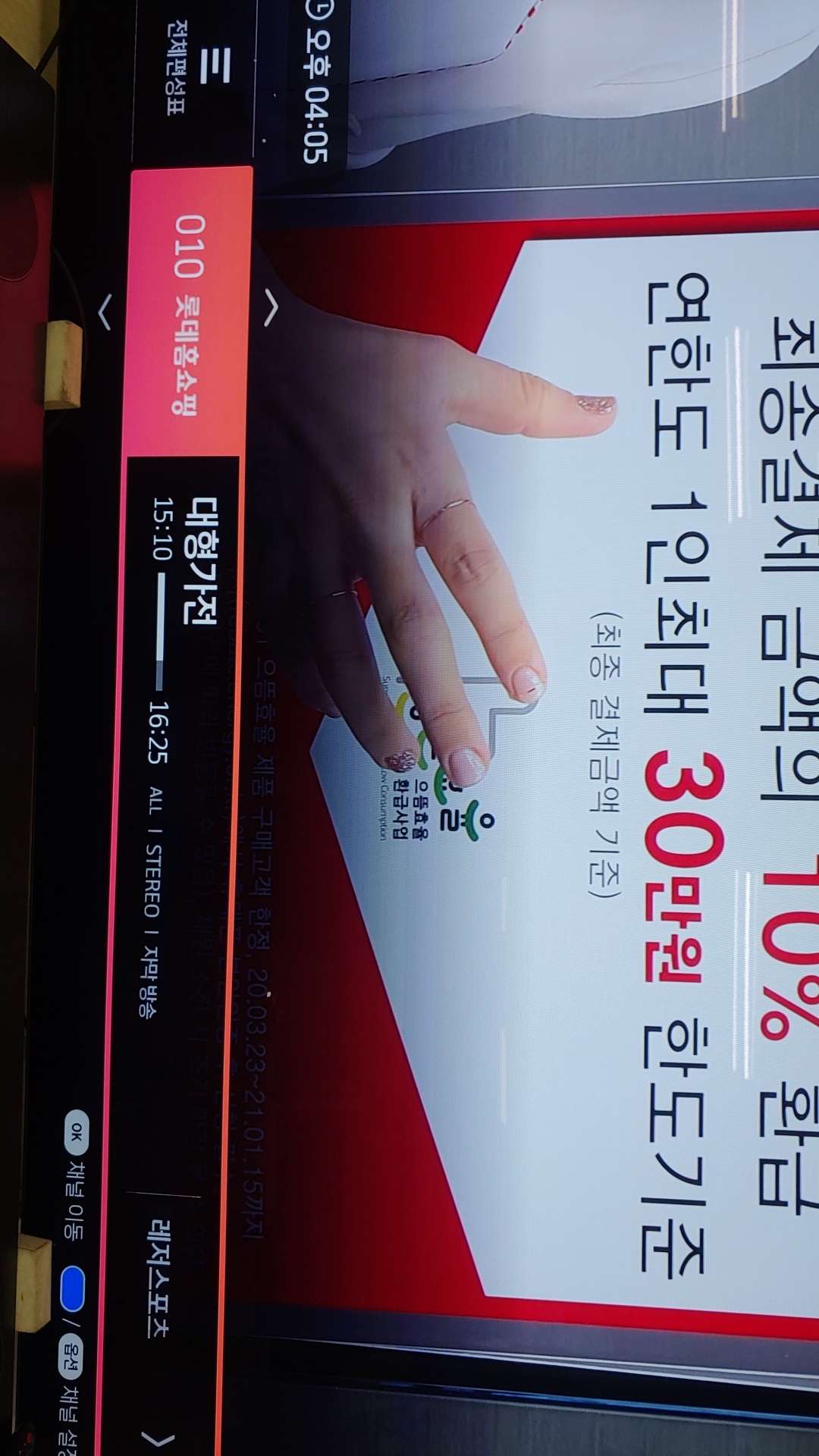
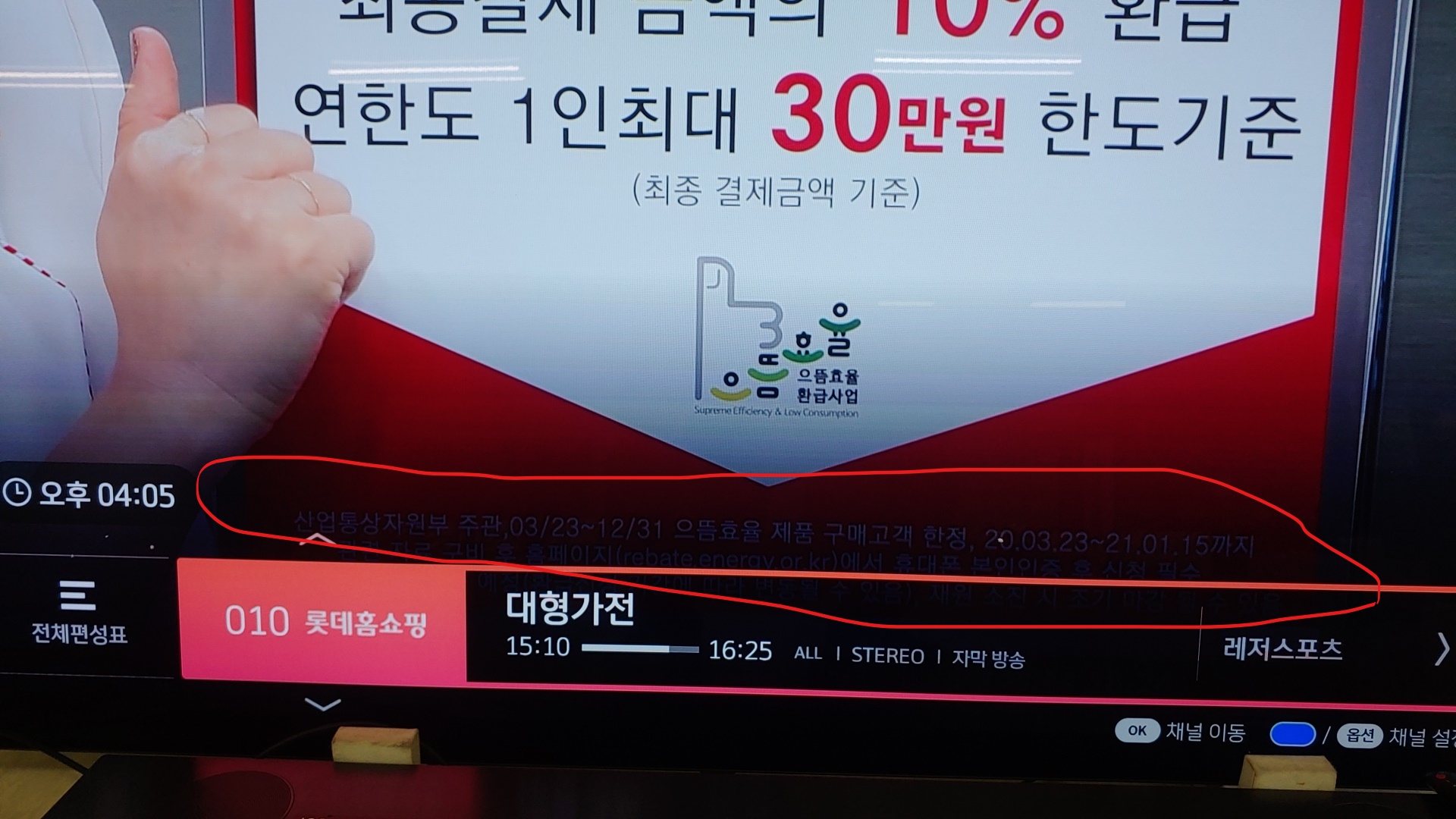
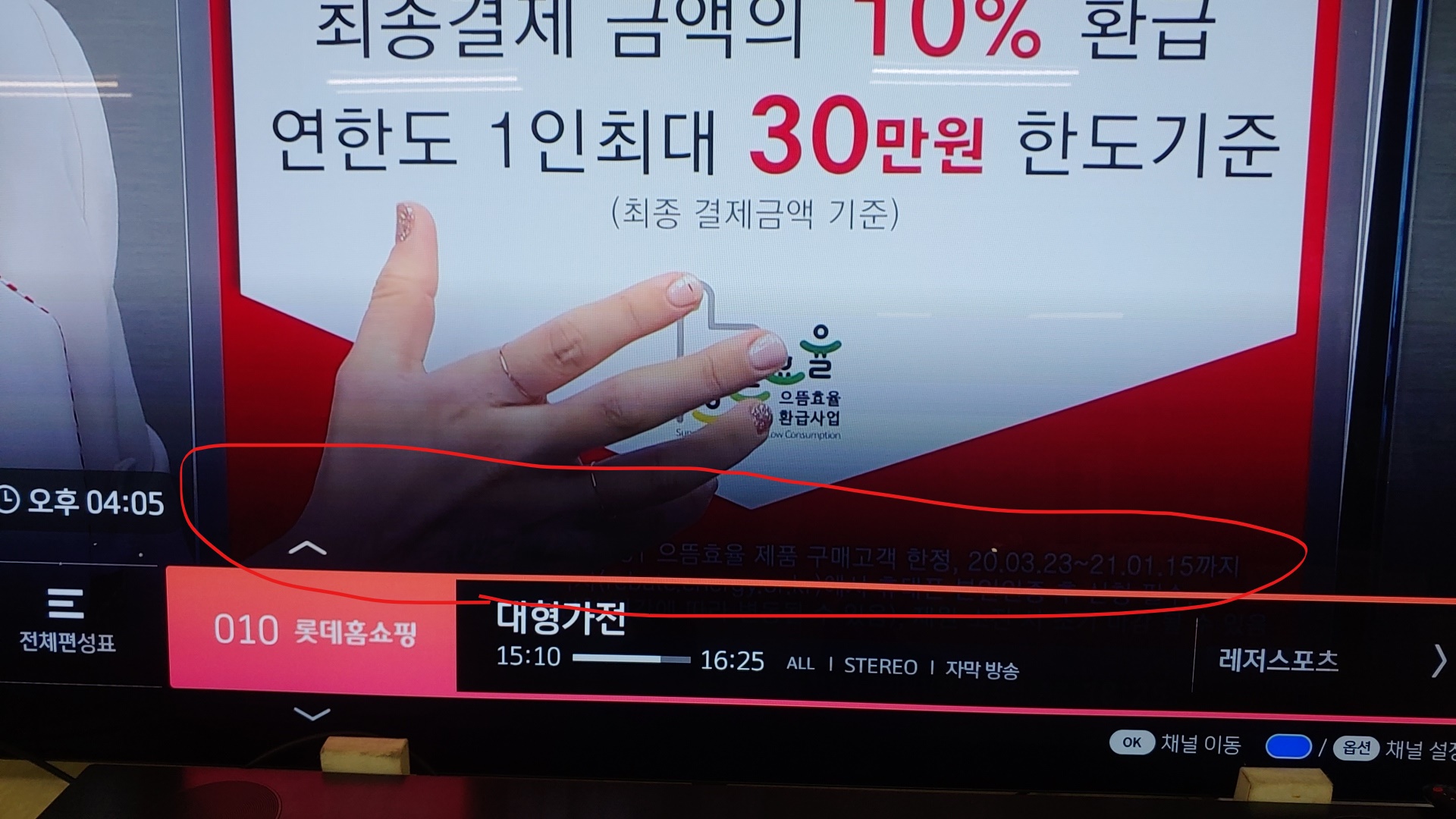
HI Kerwin please see red circle. The image on the banner looks smudged. Thanks |
|
|
Hi Jason, The 'red circle' is for program information and is not available via VPN from here. Please check if issue remains after you set HDMI related factors. (HDMI cable, resolution, HDR, different HDMI port...etc) Thanks ! |
|
|
hi Kerwin. I also have some TV in my side. so I can't do Test. if you have an environment, how can you debugging about many issue ? I guess this issue is increasing more and more as variety. I afraid of it. Thanks. |
|
|
hi kerwin please see an attached file. this picture is similar to upper comment from LG. this issue can be found in Wide TV easily. i think it isn't related to TV, HDMI Cable...etc. We already asked it to AML yesterday. it guess it is related to soc. please talk it to AML . among VOC, this category is included an item in bad quality. Thanks. abnormal.jpg (75,449 bytes) abnormal_2.jpg (130,421 bytes) |
|
|
hi kerwin As we reported before , when channel zapping, background image is shown a gradationed line on top of channel banner. The picture below was shown when the OSD transparency is adjusted to 200.(AML Check) it seems to be a difference from an attached img. this background image is located in menu_image/default/bg_microepg_shadow_2.png . additionally, it is similar to happen issue from back ground image of channel Number. menu_image/default/bg_microepg_shadow.png It would be better to upload the image on OSD and compare it with what you see in the current SW version. Could you make testFW for comparing Test? Thanks |
|
|
Hi Jason, I don't find 'bg_microepg_shadow.png' in vendor/skb folder. There is a skb_menu-image in /vendor/skb folder. Please confirm this with Digicap first, then we could make a test FW. Thanks ! |
|
|
hi kerwin my suggest is if you draw this image on OSD layer with using test code, we can compare btw test FW and real FW. As see below picture, this image is shown as differntly. so we investigate when draw this image directly whether if this image is changged . gradiation_backgorund.jpg (38,188 bytes) |
|
|
Hi Jason, It sounds like to develop a APP instead of build a test FW. I suggest to ask Digicap to develop simple APP to check the difference. We don't know how Digicap to show the picture in their APP. Thanks ! |
|
|
hi kerin we don't need APP. we just want to check it can be shown on OSD Layer as like real image this image is located in /btv_home/DATA/epg/menu_image/default/bg_microepg_shadow_2.png. please give testFW. Thansks |
|
|
Hi Jason, Per replied previously, there is no 'bg_microepg_shadow.png' in source tree. I think the picture is within a zip archive, but I have no idea how Digicap management the file. If you just want to replace a file in /btv_home, you can use "adb push" to replace that file. 1. adb connect <STB ip address> 2. adb root 3. adb remount 4. adb push <source> <destination> Thanks ! |
|
|
hi kerwin this issue is improved in v17.513.14. when increase same issue from a field, we will talk it more. Thanks. |
- yk.jung ( (ALTech) Younkwang Jung ) developer